
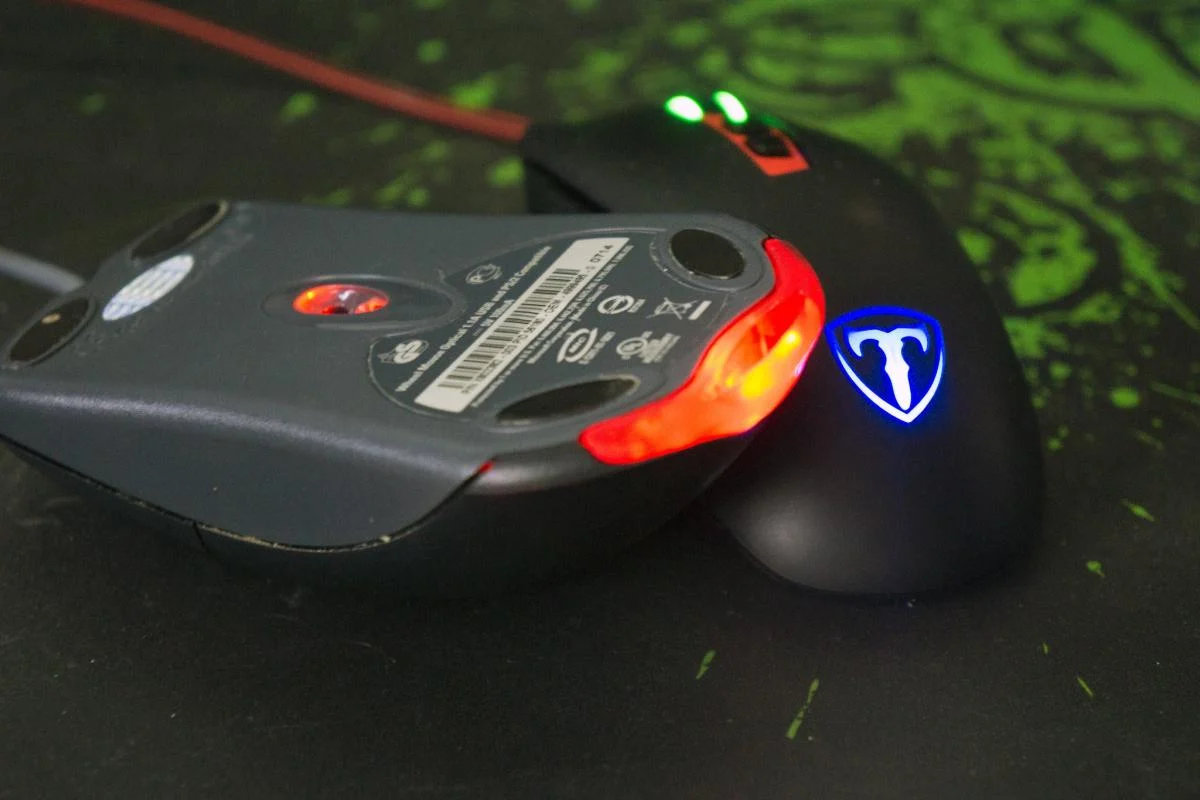
Laser Mice Are Not Better Than Optical Mice What’s the Catch
-
latesvideo
- Latest Technologies
- 4

Laser Mice Are Not Better Than Optical Mice What’s the Catch
A laser mouse isn’t always better than an optical one: what’s the catch?
When choosing a computer mouse, it is important to consider not only the connection method and price, but also the sensor type.
For many users, choosing a computer mouse is straightforward: a wired mouse simply needs to be connected to the computer, while a wireless one requires batteries. However, when purchasing a device, it’s important to consider not only the connection method but also the sensor type, according to SlashGear.Laser and optical mice differ in their operating principles, tracking accuracy, and compatibility with various surfaces.
What is the difference between a laser mouse and an optical mouse?
A laser mouse uses a laser diode, which allows it to detect the smallest details on surfaces, including glass. This allows the cursor to move even in areas where an optical mouse cannot accurately track the device’s movements.
Another feature of laser models is their high sensitivity, which allows for faster cursor movement across the screen. This can be a benefit for some users. However, this technology also has a downside: the sensitive sensor doesn’t always ensure smooth pointer movement. The cursor may jitter or jump, especially if you move the mouse slowly. Adjusting the sensitivity settings can improve the situation, but doesn’t guarantee a complete solution.An optical mouse operates on a different principle. Instead of a laser, it uses an LED that illuminates the surface beneath the device, and a sensor detects changes and determines the direction of movement. This design ensures stable cursor control on most common surfaces.
However, on glass and other reflective surfaces, its sensor may be less able to detect movements, resulting in reduced tracking accuracy.
Choosing between a laser and optical mouse can be difficult, especially if the device is used for gaming. One of the most important tips when choosing a gaming mouse is to pay attention to how reliably it responds to small and quick movements. A laser mouse doesn’t always move the cursor the distance that corresponds to the physical movement of the device. Therefore, an optical mouse is considered preferable for games where stability and precision are important.Much depends on the specific model and its settings. Adjusting sensitivity allows you to tailor the cursor speed to your individual preferences.
For everyday use, the choice depends on where and what tasks the mouse is needed for. An optical model is a practical choice for general PC work. However, for those who frequently work on the go or change workstations, a laser mouse may be more convenient. However, no technology is universally superior—it’s important to consider the device’s usage conditions.
Finally, it’s worth considering cost and power consumption. Optical mice are less expensive than laser mice and are suitable for a wide range of everyday tasks. Furthermore, they typically consume less power and last longer without recharging or replacing batteries.
Ultimately, when choosing a mouse, it’s worth understanding the features of both technologies and choosing one based on your own needs.


Leave a Reply
You must be logged in to post a comment.